Custom Domains
Connect your own domain to your BeatMantra storefront.
8 min
Updated July 2026
Overview
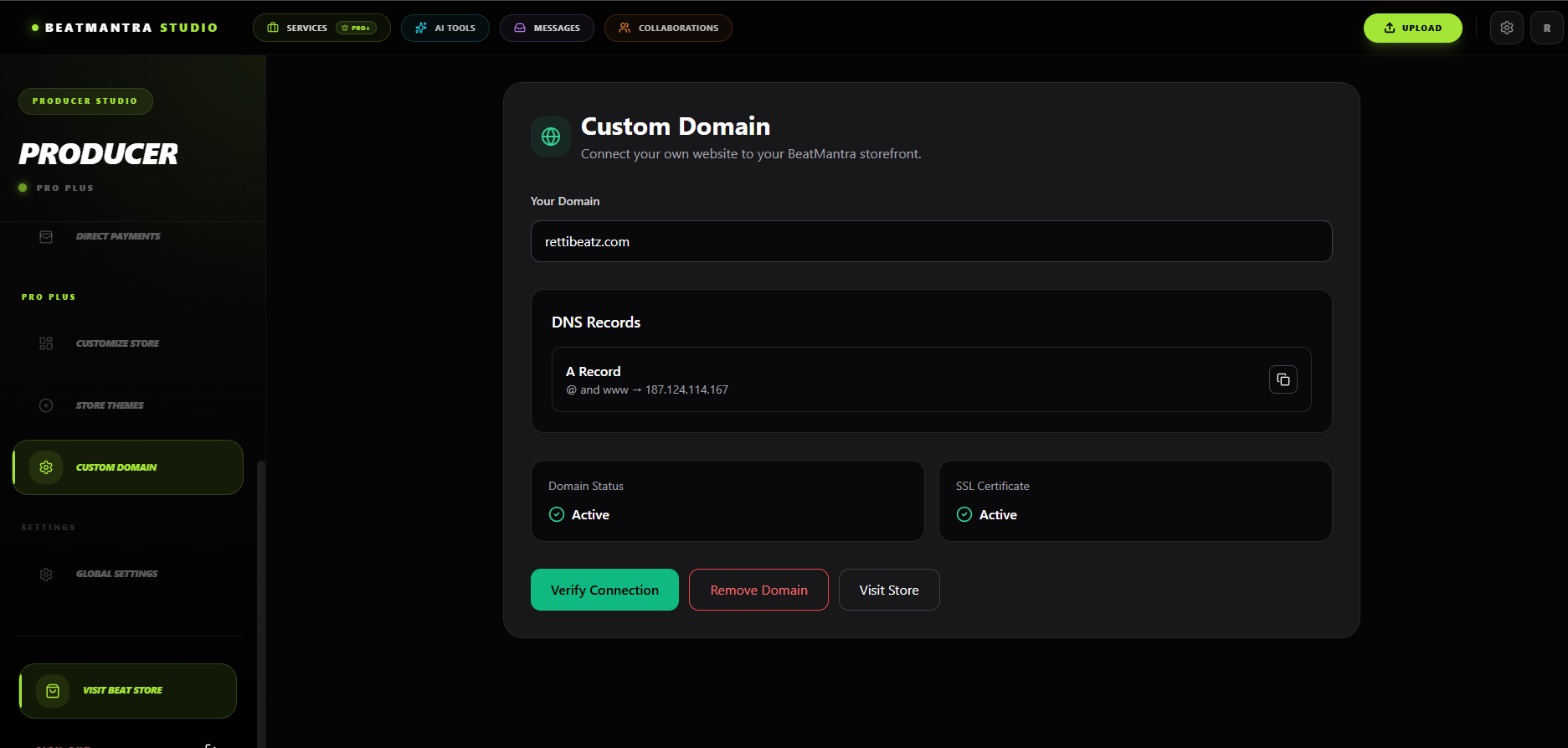
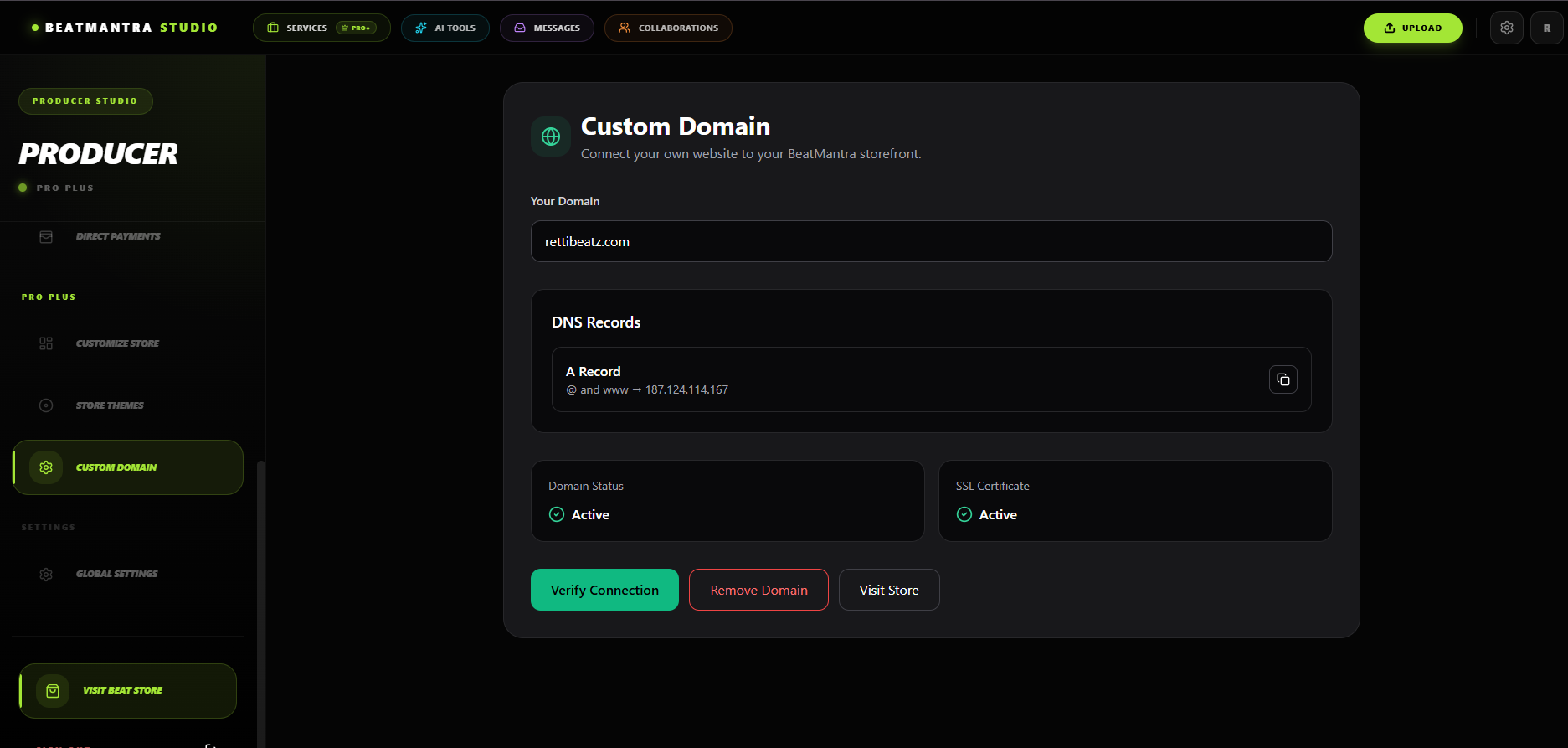
Custom Domains allow Pro Plus producers to use their own domain name instead of the default BeatMantra storefront URL.
Availability
- Pro Plus Plan Required
- One custom domain per store
- SSL is automatically provided
Step 1 — Add Your Domain
Enter your domain inside the Custom Domain page and save your changes.
Step 2 — Configure DNS
Create the following DNS records.
| Type | Host | Value |
|---|---|---|
| A | @ | 187.124.114.167 |
| A | www | 187.124.114.167 |
DNS propagation may take several minutes to 24 hours depending on your domain provider.
Step 3 — Verify Connection
Once DNS records have propagated, BeatMantra will automatically verify your domain and enable HTTPS.
Common Issues
- Incorrect A Record.
- Missing www record.
- Old DNS records still pointing elsewhere.
- Waiting for DNS propagation.
Best Practices
- Use both @ and www records.
- Remove conflicting DNS records.
- Allow time for propagation.
Related Articles
Direct Payments
Learn how eligible producers configure direct payment providers for their BeatMantra storefronts.
Theme Customization
Customize your BeatMantra storefront to match your personal brand.
Services
Offer professional music services directly from your BeatMantra storefront.
Pro & Pro Plus Plans
Compare BeatMantra Free, Pro and Pro Plus plans and unlock advanced creator tools.