License Studio
Configure your licensing rights, requirements and agreement used in every License PDF.
9 min
Updated July 2026
Overview
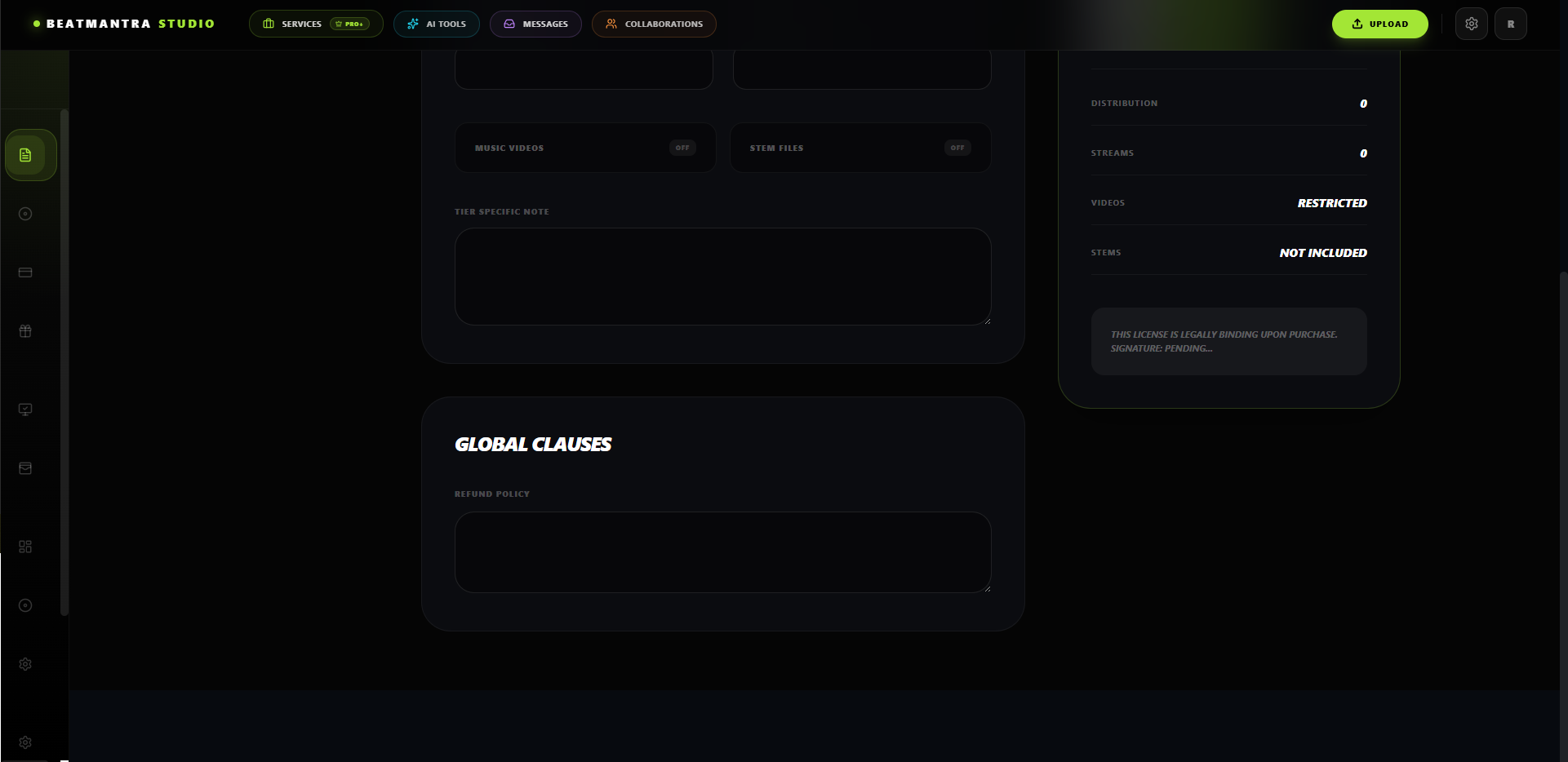
License Studio allows you to configure the license agreement every customer receives after purchasing your beats.
Why License Studio Matters
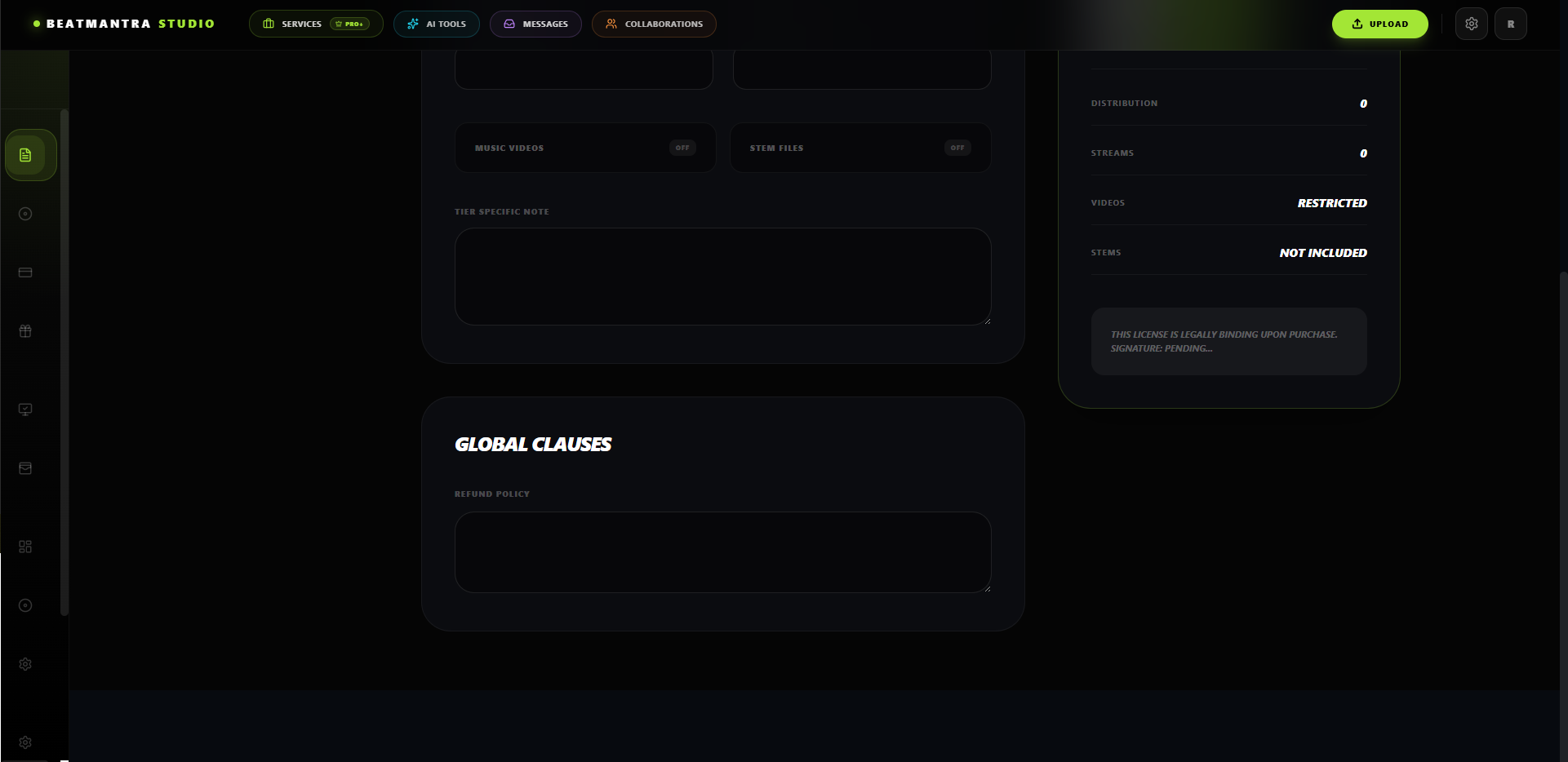
Every License PDF is generated using the information you configure inside License Studio.
If License Studio is incomplete, your customers' License PDF will be missing important licensing information.
Step 1 — Configure Rights
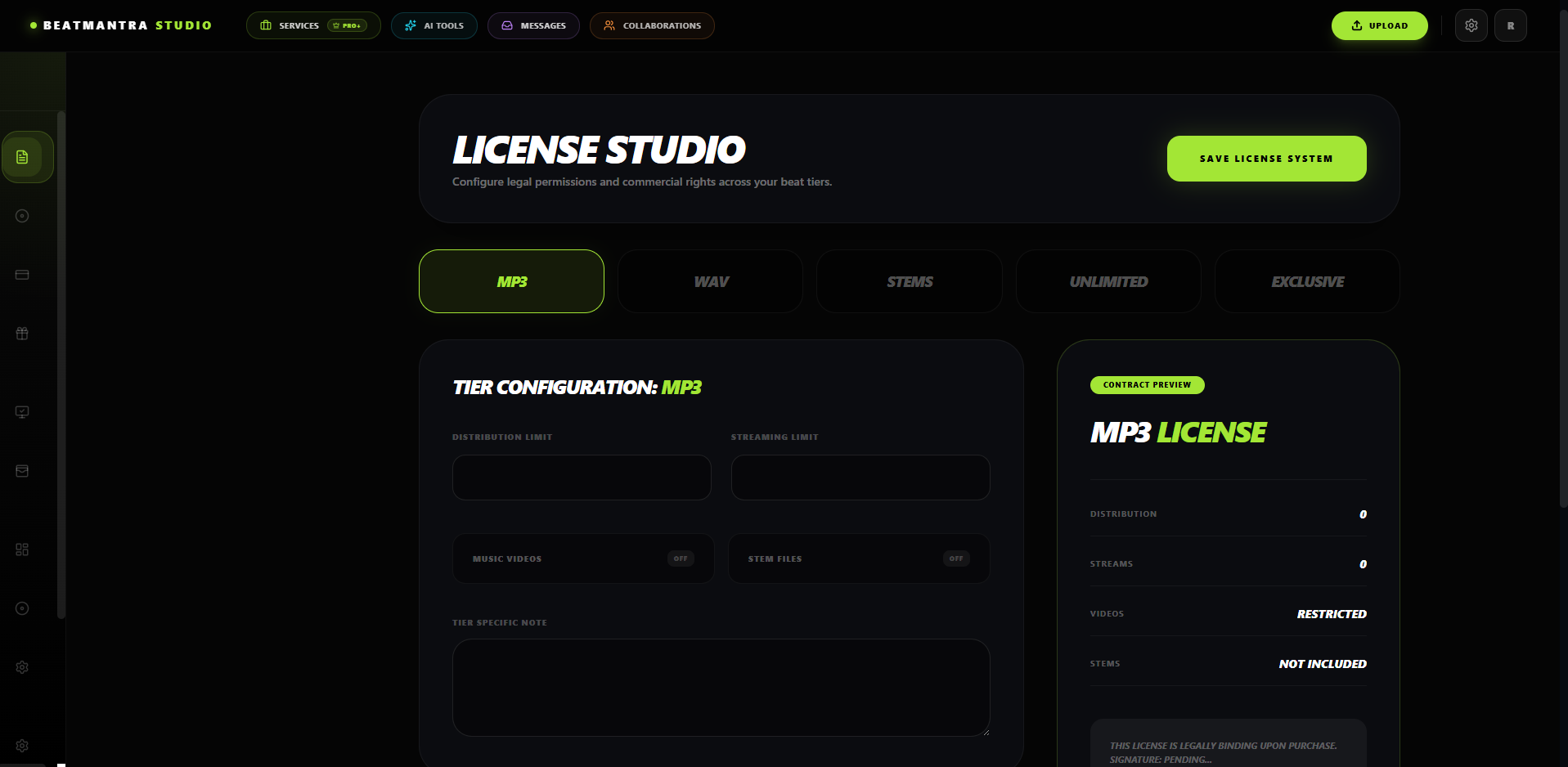
Define the rights granted to customers for every license type you offer.
- Commercial Rights
- Distribution Limits
- Performance Rights
- Broadcast Rights
Step 2 — Configure Requirements
Add the requirements customers must follow after purchasing your beat.
- Producer Credit
- Copyright Notice
- Restrictions
- Ownership Terms
Step 3 — Preview Your License
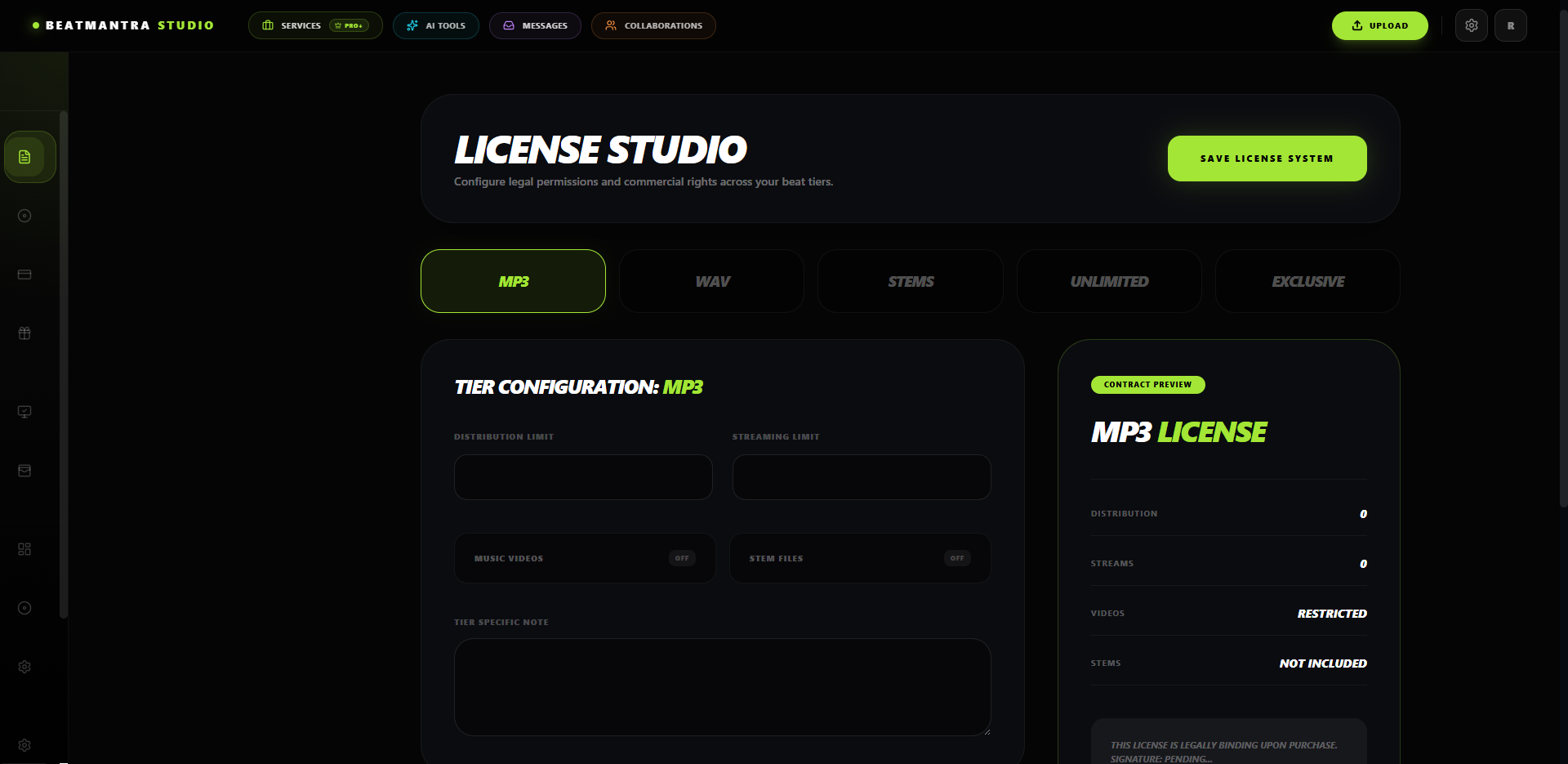
Review your generated license before publishing your beats.
Storefront License Carousel
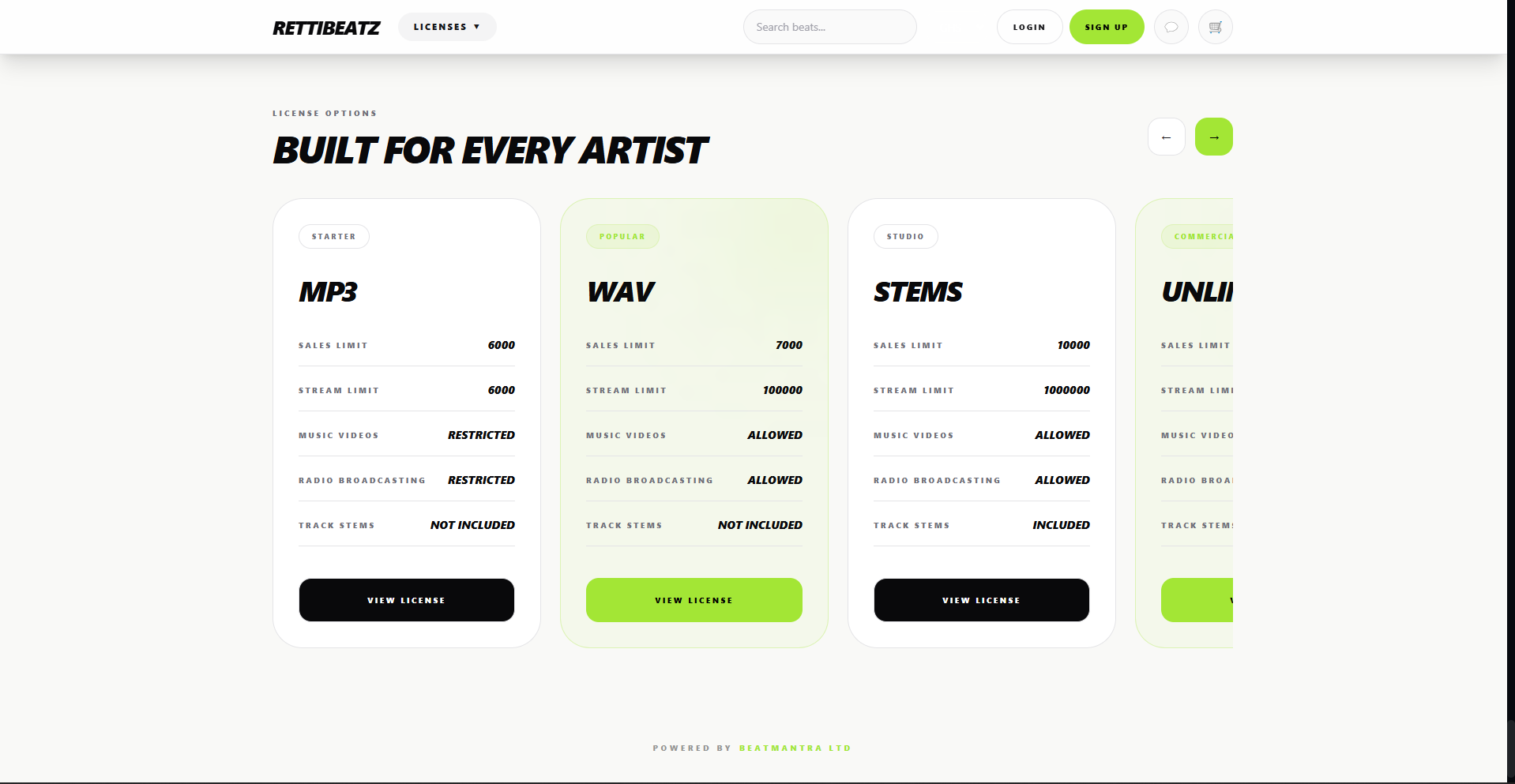
Customers can compare every available license directly from your storefront before purchasing.
Best Practices
- Complete every licensing section.
- Review your generated License PDF.
- Update your licensing whenever your terms change.