Bulk WAV Import
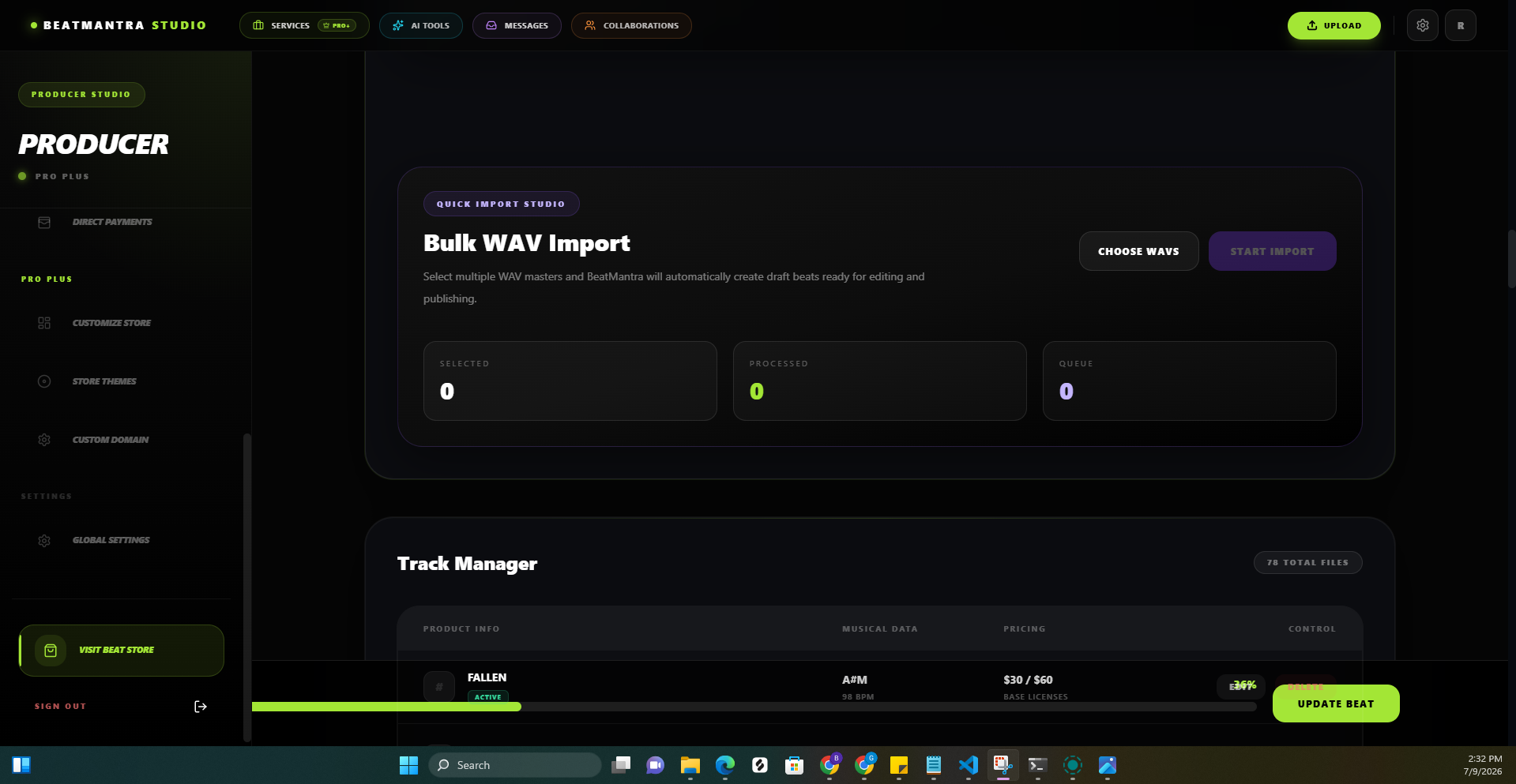
Import multiple WAV files at once and automatically generate draft beat listings.
6 min
Updated July 2026
Overview
Bulk WAV Import saves time by creating multiple draft beats from your uploaded WAV files automatically.
How It Works
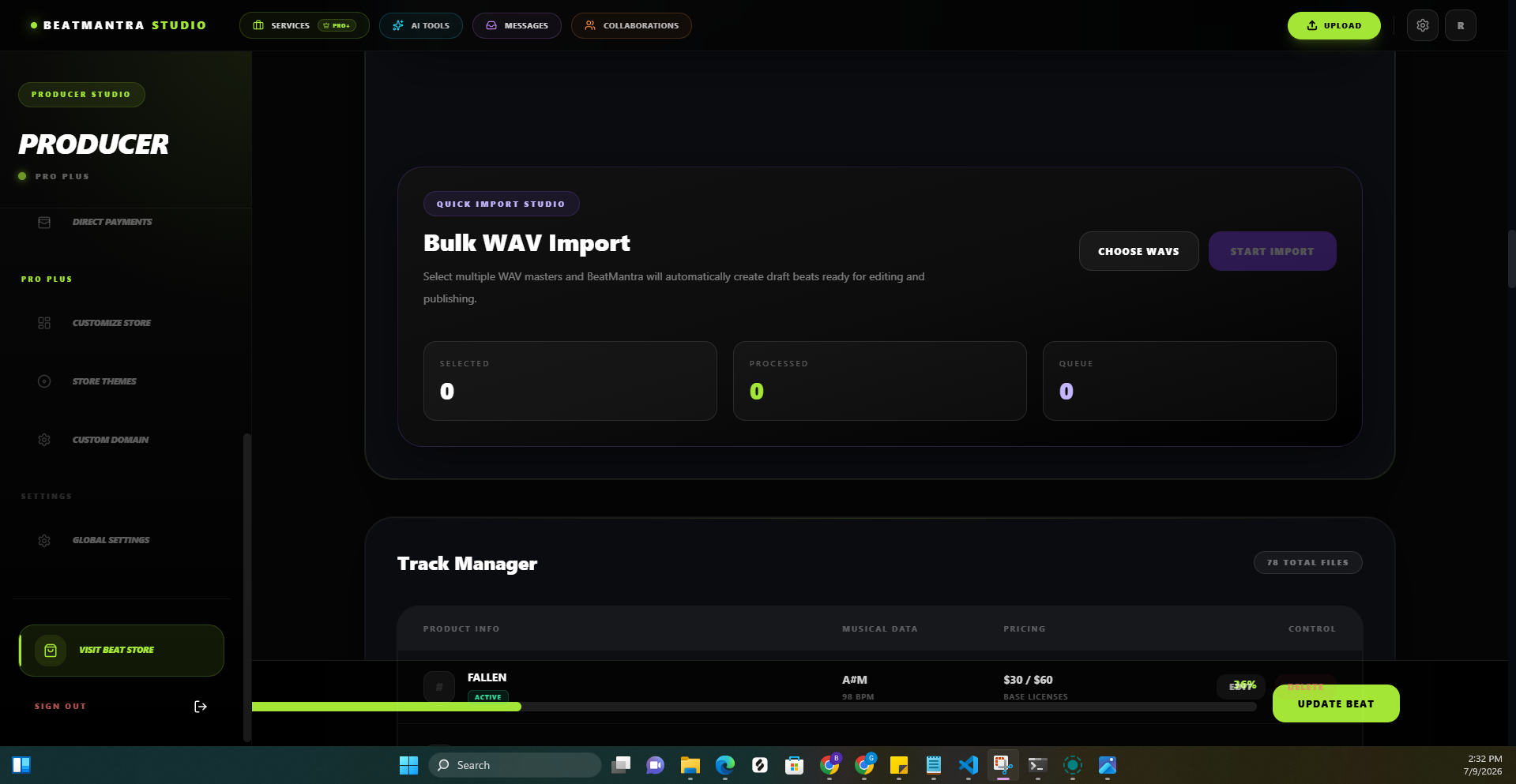
- Select multiple WAV files.
- Upload them together.
- BeatMantra creates draft beats automatically.
- Edit each draft before publishing.
What Gets Created
- Draft Beat
- Beat Title
- Audio File
- Upload Date
What You'll Still Need
- Artwork
- Pricing
- Genre
- Tags
- Collaborators
- License Information
Imported beats remain in Draft until you publish them.
Best Practices
- Use clear WAV filenames.
- Upload finished masters.
- Review every draft.
- Add artwork before publishing.
Related Articles
Upload Your First Beat
Learn how to upload, price and publish your first beat on BeatMantra.
How to Get Your Stripe API Keys
Learn how to retrieve your Stripe publishable and secret API keys and connect Stripe to your BeatMantra Direct Payments page.
File Manager
Manage all of your uploaded files from one place inside BeatMantra Studio.
Mixed Cart
Purchase beats, sound packs and services together in a single checkout.