File Manager
Manage all of your uploaded files from one place inside BeatMantra Studio.
6 min
Updated July 2026
Overview
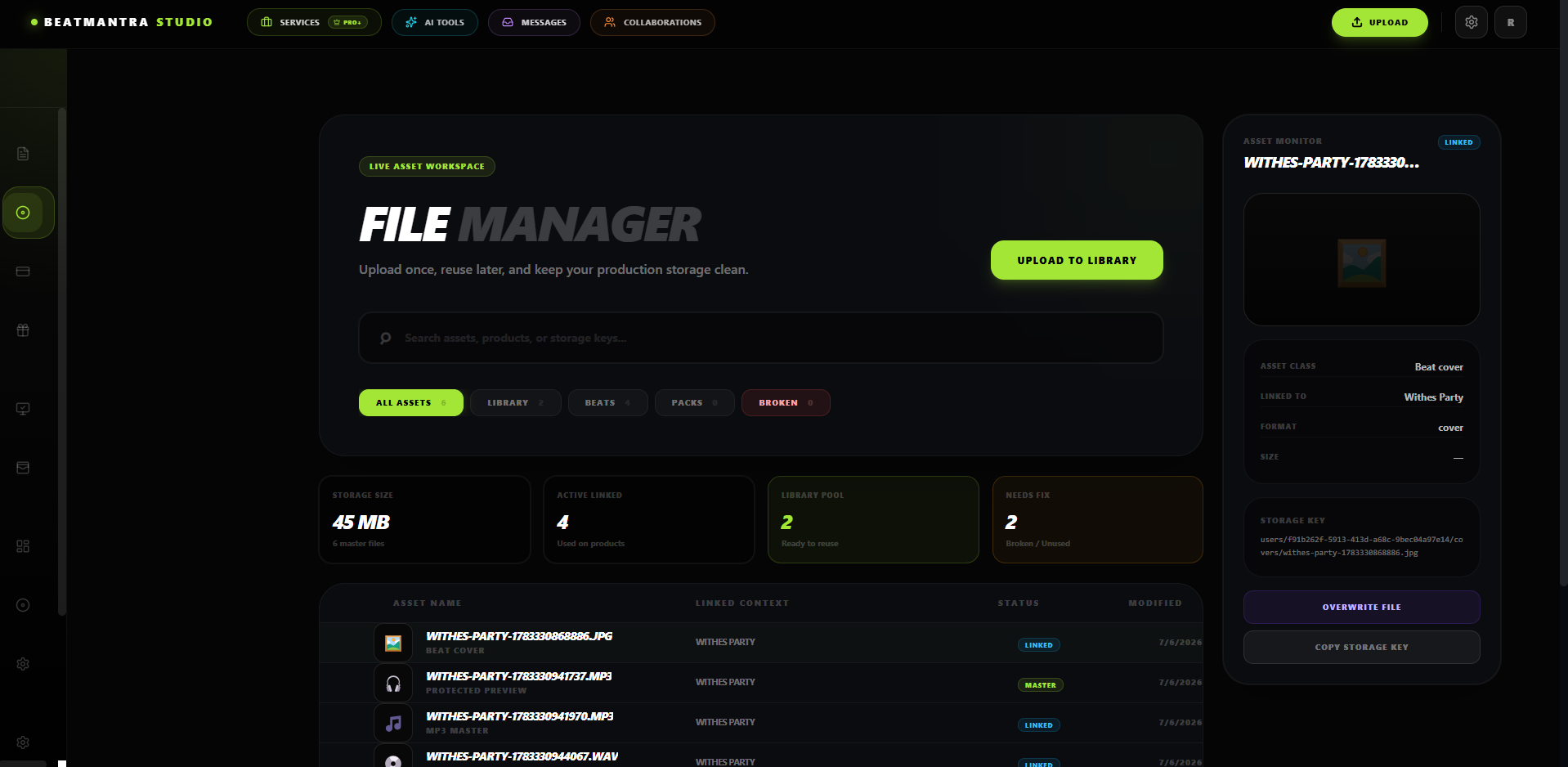
File Manager gives you one place to manage every asset uploaded to your BeatMantra account.
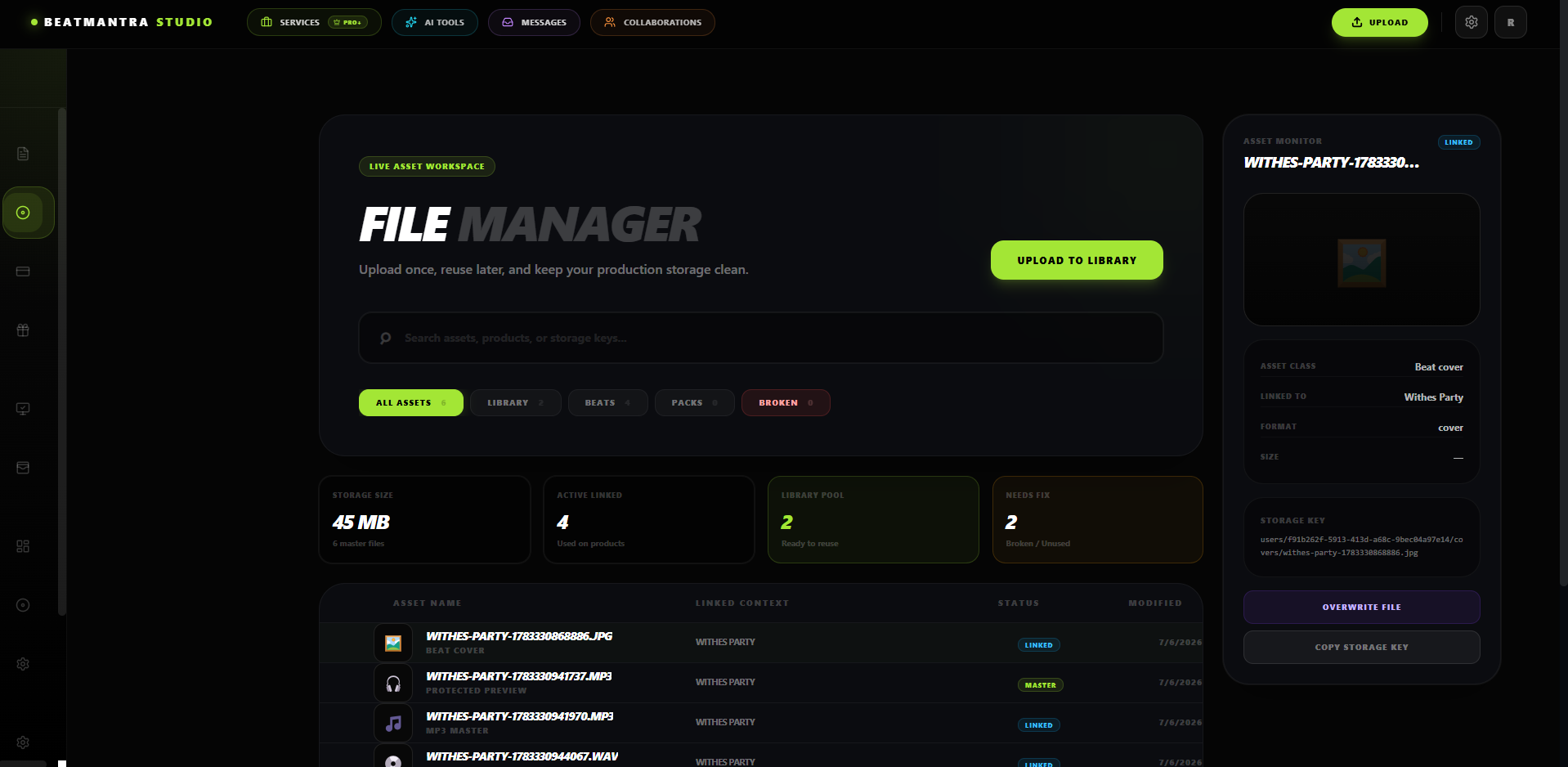
Supported Files
- Preview MP3
- MP3 Masters
- WAV Masters
- Stems
- Cover Artwork
- Sound Pack ZIP Files
Manage Files
- View uploaded files.
- Find unused assets.
- Locate missing files.
- Replace broken uploads.
Deleting a file that is currently used by a published beat may prevent customers from downloading purchased content.
Best Practices
- Keep filenames organized.
- Remove unused files regularly.
- Verify uploads after replacing files.
- Keep master WAV files backed up.
Related Articles
Upload Your First Beat
Learn how to upload, price and publish your first beat on BeatMantra.
Bulk WAV Import
Import multiple WAV files at once and automatically generate draft beat listings.
Edit Beat
Update your beat information, pricing, files and collaborators after uploading.
Audio Processing
Learn how BeatMantra processes your uploaded audio files for streaming, downloads and licensing.