BeatMantra Payouts
Configure your payout settings before publishing your first beat.
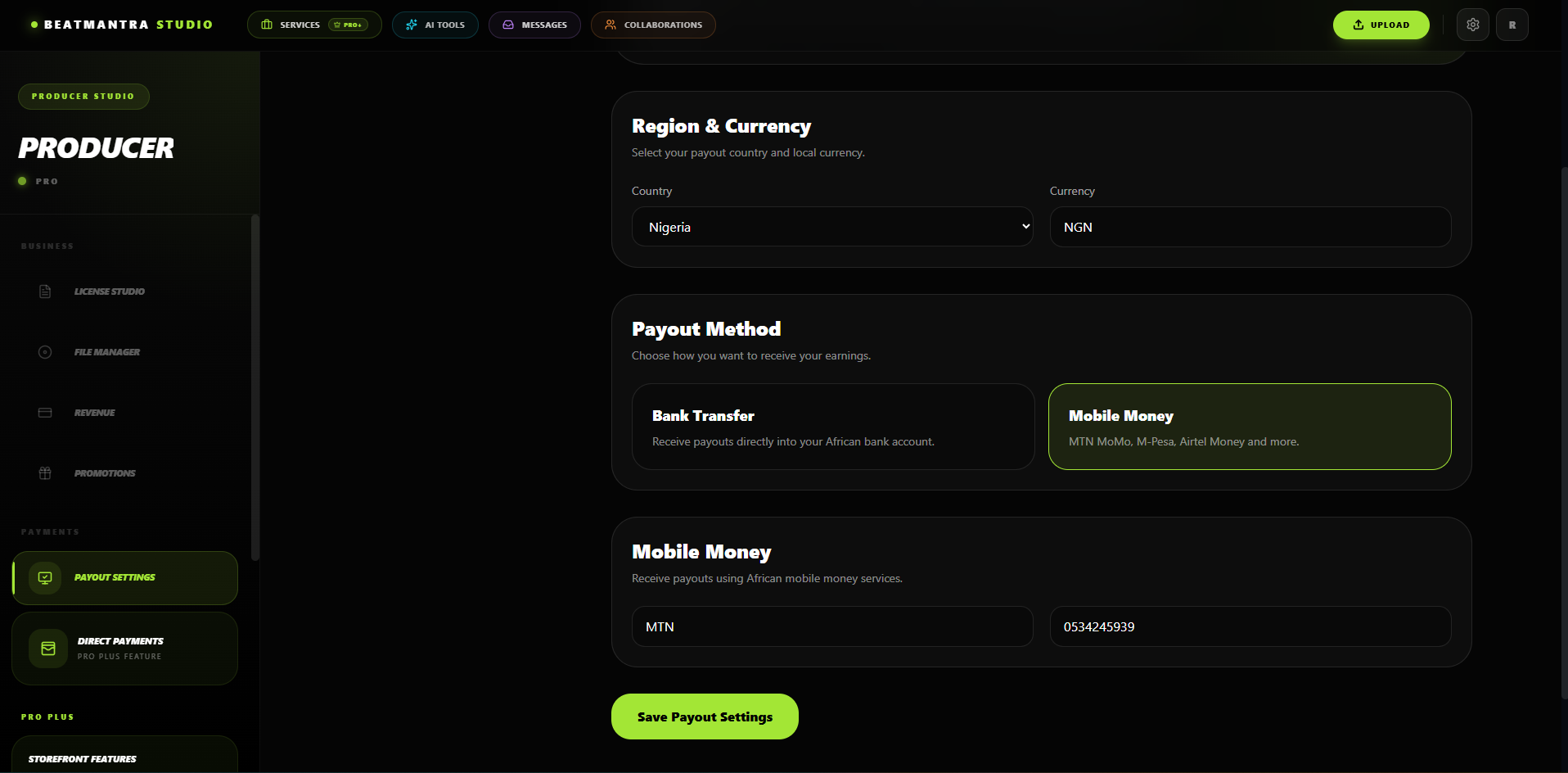
Overview
Every BeatMantra producer must configure payout details before their first beat can be published.
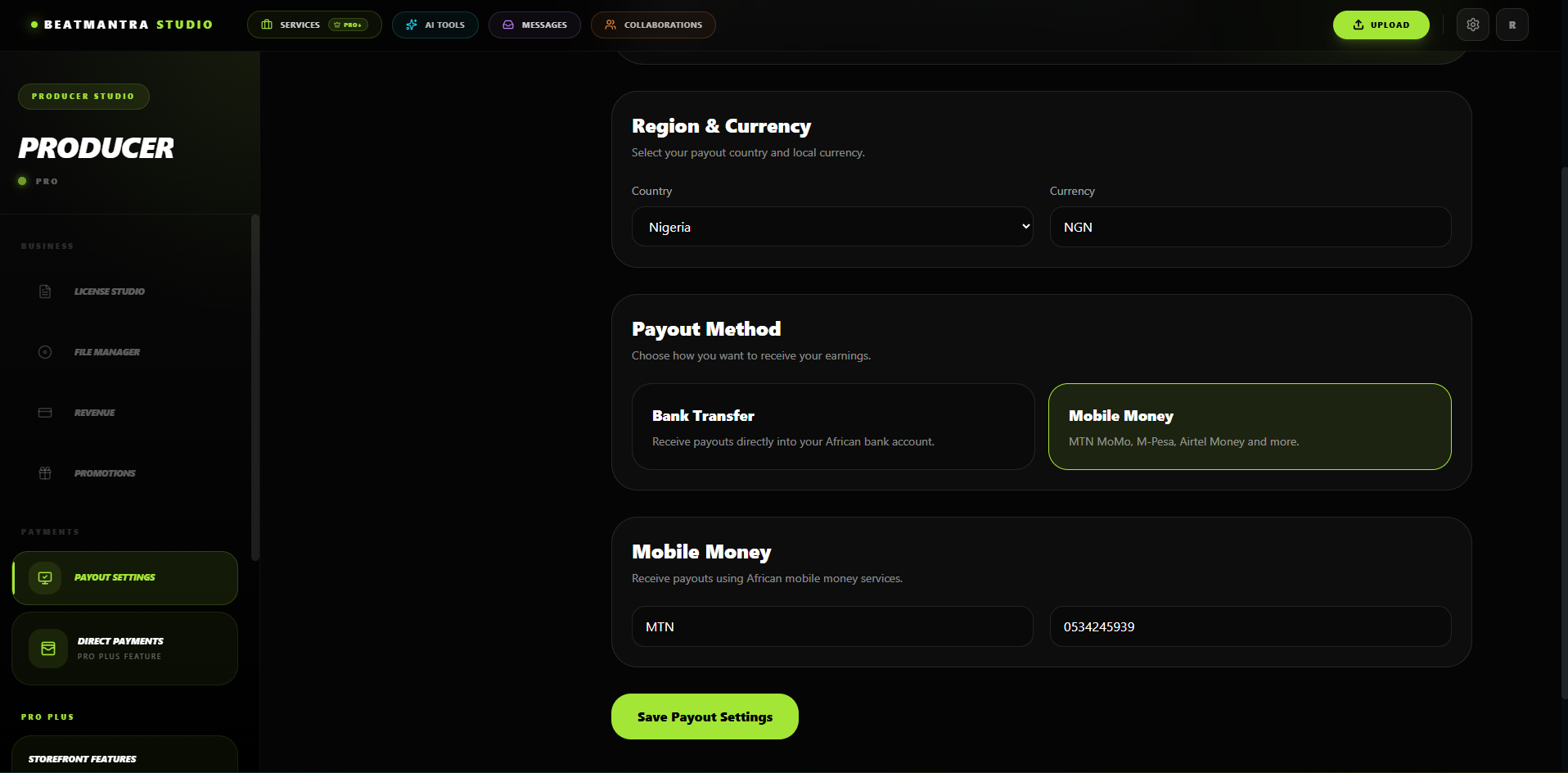
Who Must Complete This?
- Free Producers
- Pro Producers
- Pro Plus Producers
BeatMantra Payouts
Free and Pro producers receive payments through BeatMantra payouts.
Select one payout method.
- Mobile Money
- Bank Account
BeatMantra payout details are mandatory before your first beat can be published.
Direct Payments (Pro Plus)
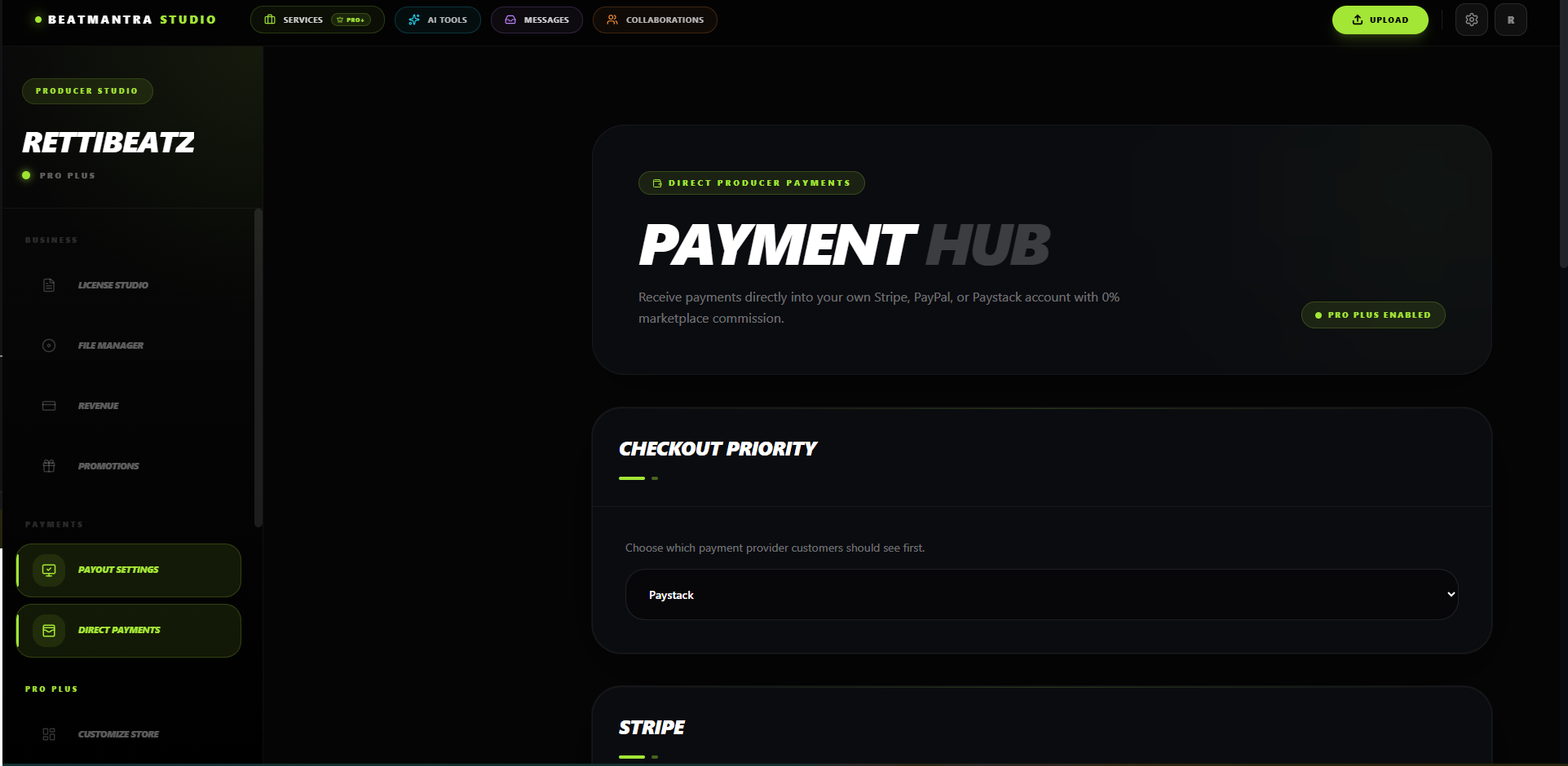
Pro Plus producers can connect their own payment providers and receive payments directly.
Supported Providers
- Stripe
- PayPal
- Paystack
Validation Rules
Stripe
- Publishable Key is required.
- Secret Key is required.
PayPal
- Email Address is required.
- Client ID is required.
Paystack
- Public Key is required.
- Secret Key is required.
You cannot save incomplete credentials. Every required field for the selected provider must be completed.
No Direct Payment Provider?
If no provider is connected, BeatMantra Checkout will automatically be used for all purchases until a payment provider is configured.
Best Practices
- Verify every API key before saving.
- Use Live keys when your store is live.
- Keep your Secret Keys private.
Related Articles
How to Get Your Stripe API Keys
Learn how to retrieve your Stripe publishable and secret API keys and connect Stripe to your BeatMantra Direct Payments page.
Direct Payments
Learn how eligible producers configure direct payment providers for their BeatMantra storefronts.
Frequently Asked Questions
Answers to common questions about BeatMantra, including payments, producer payouts, beat sales, subscriptions, and storefronts.
Setting Up Your Payout Methods
Learn how to configure your payout details and payment options on BeatMantra.